

CWILL Order Tracking is built for Shopify from the ground up. It connects your Shopify store two-way with over 1,600 carriers in the world to automate order tracking, enhance shipment visibility, and eliminate “Where’s my order?” (WISMO) tickets.
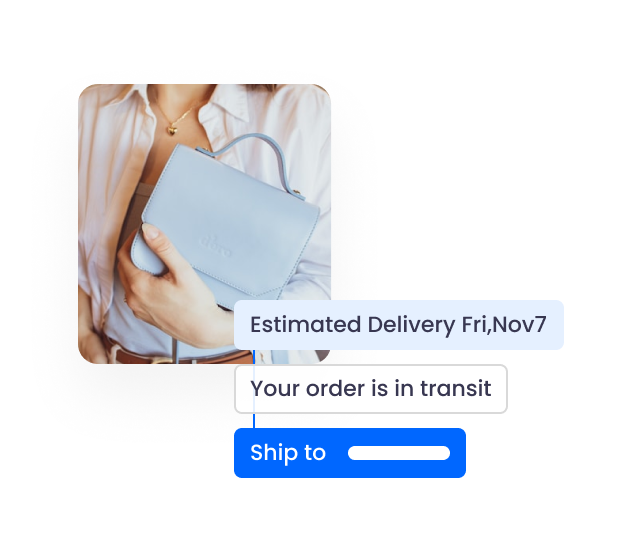
CWILL Order Tracking for Shopify keeps your customers engaged at every step, from order confirmation to doorstep delivery. It also lets customers opt in to shipping protection, so delayed, lost, damaged, and stolen packages won’t eat into your bottom line.
Integrated with 50+ apps, including Klaviyo, Judge.me, Yotpo, and Gorgias, CWILL Order Tracking is built to work together with your existing tools to deliver on-brand post-purchase experiences.
1. Go to the Shopify App Store to install the CWILL Order Tracking app.
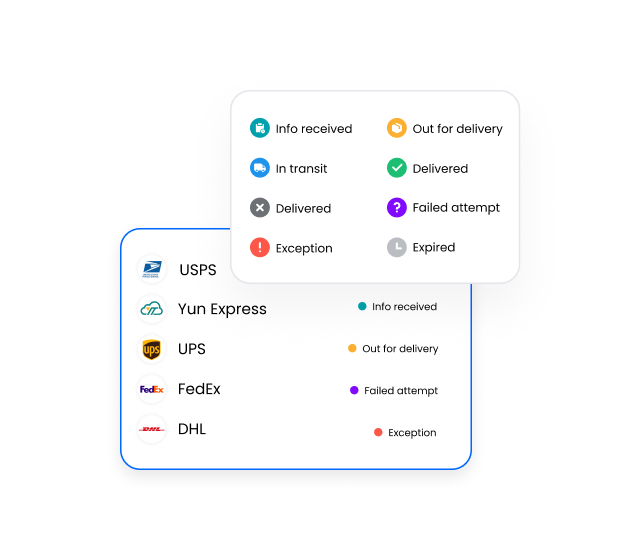
2. CWILL Order Tracking will automatically pull tracking information from supported carriers for your Shopify orders in the past 30 days for free. This is to make sure your customers can start tracking their orders as soon as possible. After about 10 minutes, you can easily check the statuses of your Shopify orders in the past as they are categorized into 9 standard shipment statuses, including "Pending," "Info received," "In transit," "Out for delivery," "Ready for pickup," "Delivered," "Failed attempt," "Exception," and "Expired."
3. (Optional) Our expert service is available for free to help you match the right couriers and further enhance tracking accuracy. Please don't hesitate to reach out for help whenever you need it.
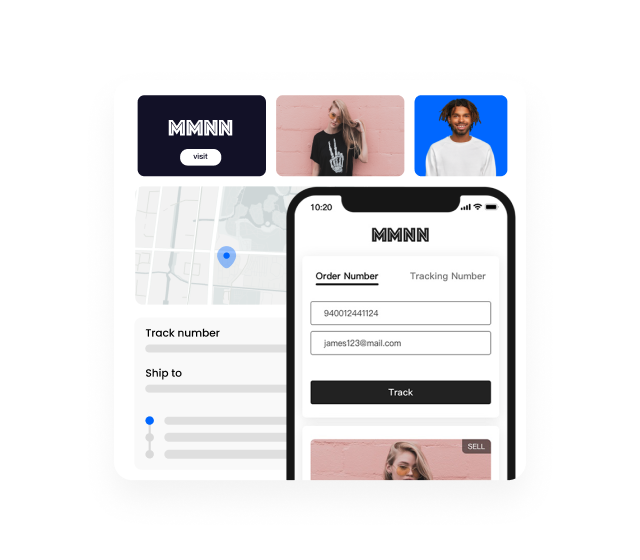
4. Add the tracking page URL to the navigation menu of your Shopify store so that your customers can access real-time shipment updates without going to carrier websites or third-party package tracking websites. You can further customize the appearance and functions of the tracking page afterward.
5. If you have chosen a paid plan, you can set up email notifications by editing the pre-built email templates. Then, enable the shipping notifications that you'd like to send.
6. Shopify only supports dozens of couriers. To break through the limited tracking functionality, go to CWILL Order Tracking Settings > Tailored for Shopify, enable Update tracking link in Shopify and Send shipping tracking events to Shopify, and check the Trigger Shopify’s native Out for delivery & Delivered notifications box.
7. Add the CWILL tracking widget to Shopify Customer Accounts so your customers stay informed of the order processing statuses and know where their orders are without leaving the account page.
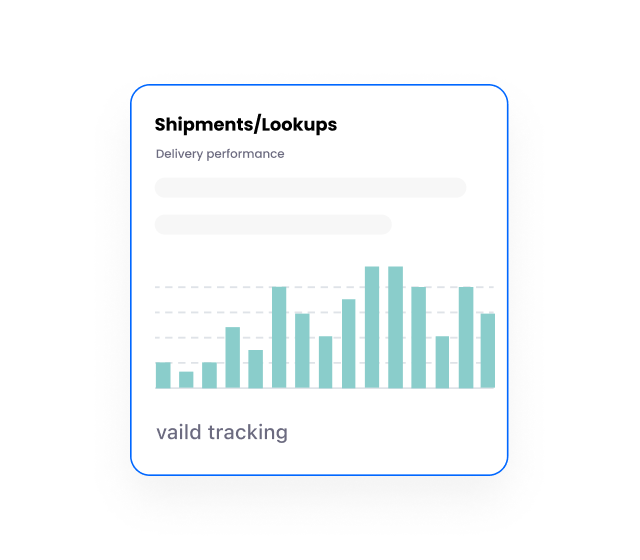
8. Check your dashboard to find orders that require your special attention every day. Visit Analytics regularly for real-time reports on shipments, order-to-delivery time, transit time, tracking page, and shipping notifications.
1. Every paid plan comes with the same free trial period—no charges and no quota will be consumed while it runs. Feel free to switch between different plans and explore our features.
2. "1 order = 1 quota": No matter how many shipments you have in one order, the CWILL Order Tracking app syncs and tracks one order for you throughout the delivery process, and only 1 quota will be consumed. If split shipments are common for your business, CWILL Order Tracking can be a good choice. If you process a high volume of canceled, failed, or test orders each month and have questions about quota usage, please contact our support team for a tailored solution.
3. Schedule a demo if you want to talk with our experts face-to-face and see how our app works in action and how we help brands like yours to improve their post-purchase experiences.
4. Order volumes naturally fluctuate, especially with seasonal demand. An annual plan provides the stability and flexibility your business needs.
How does CWILL Order Tracking work?
How to add the tracking page to your Shopify storefront?
